

You probably know the spot. The meeting room where every video call freezes. The back office where files take forever to upload. Or the corner where staff quietly switch to mobile data because the WiFi has given up.
That doesn’t necessarily mean your fibre connection is slow or faulty. If the internet works well close to the router but drops off in other parts of the building, you may be dealing with a WiFi dead zone.
A mesh system addresses the coverage problem by strategically placing several connected WiFi units throughout your premises. Together, they create one network that reaches more of the workspace. Mesh won’t increase your fibre speed, but it can help you use that connection more consistently across the office.
What reliable WiFi can do for your business?
Reliable coverage keeps work moving. Video calls stay clearer, cloud platforms load more consistently, and employees can use connected tools as they move through the premises. In customer-facing businesses, it can also help point-of-sale terminals and tablets stay connected, while guest WiFi reaches more of the areas customers use.
It can also support printers, cameras and Smart Business or IoT devices across more of the space. That means less troubleshooting, smoother customer service and better use of the connection you already have.
Why one router may not be enough
A standard router sends WiFi out from one point. That may be enough for a small, open office, but a larger clothing store, restaurant, warehouse or multi-room practice has more ground, and usually more obstacles, to cover.
The router may also sit behind reception, inside a cabinet or beside the fibre connection at one end of the building. The size and shape of the premises, distance, walls, shelving, metal fittings, interference and equipment position can all affect coverage. A faster internet package will not necessarily make the WiFi signal reach further.
What is mesh WiFi?
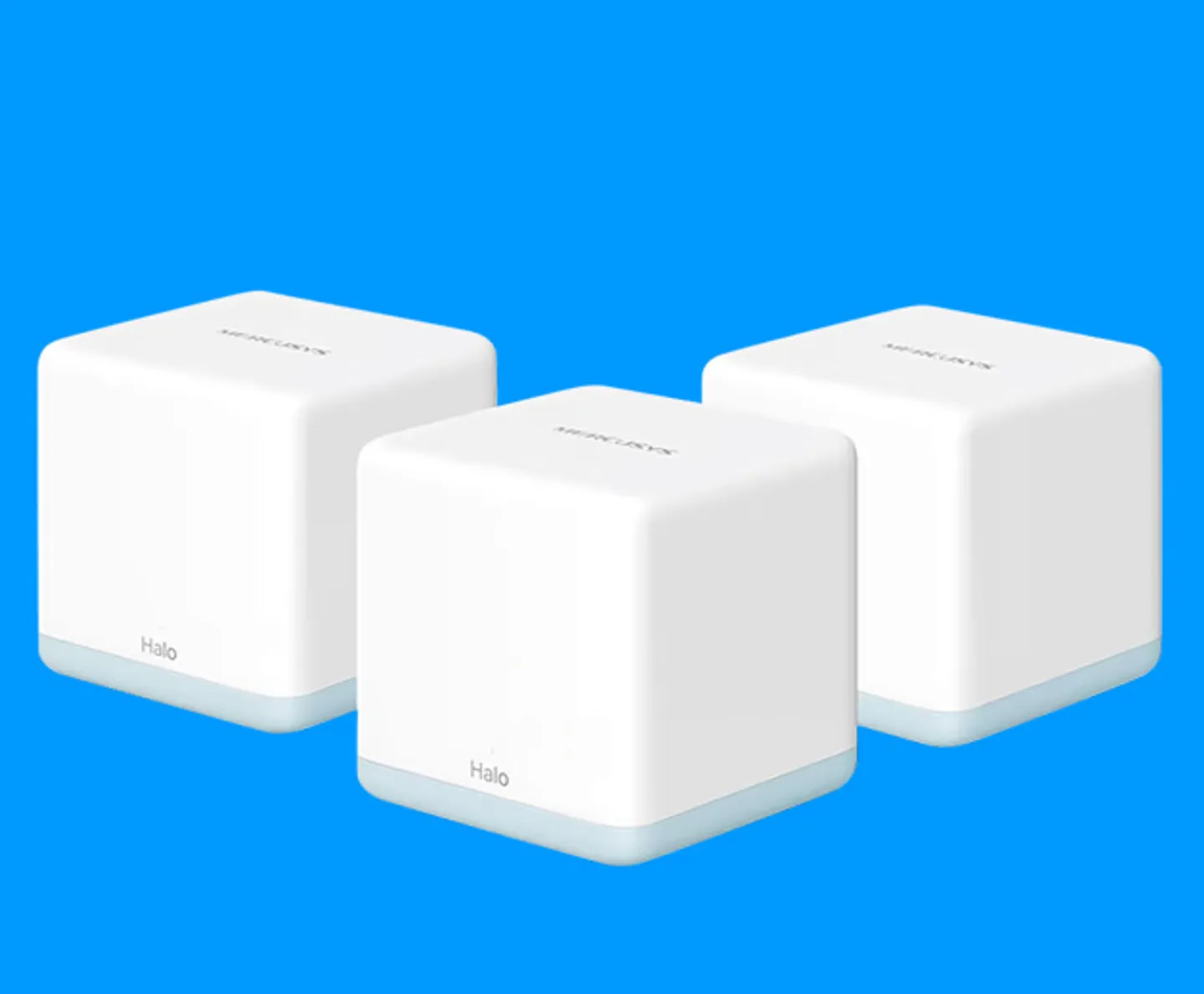
A mesh WiFi system uses several connected units, often called nodes, placed in different parts of the premises. One unit connects to your main router or internet connection. The others are positioned around the office to help carry the WiFi signal into areas the original router struggles to reach.
The units work together under one WiFi network name. As someone moves from reception to a meeting room or from one floor to another, their device can connect to the better-positioned unit without requiring them to search for a different network each time.
Why mesh can work well for an SME
For a growing business, mesh offers a practical way to improve coverage without running a cable to every desk or replacing a working fibre connection unnecessarily.
It can provide:
- Broader coverage: The signal is distributed from several points instead of relying on one router
- One WiFi network: Staff do not need to keep changing networks as they move around
- More consistent connectivity: Fewer weak spots can mean fewer interrupted calls and stalled tasks
- Room to grow: Compatible nodes can be added as the workspace expands
- Simpler management: Some systems include an app for viewing connected devices, managing access and setting up guest WiFi
The number and position of the nodes still matter. Placing a node deep inside a dead zone will not help much if it cannot receive a decent signal from the rest of the system. It should sit between the existing coverage area and the problem spot.
How Telkom Business can help
Before changing your fibre package, check whether the real problem is the connection coming into the building or the WiFi moving around it.
Telkom Business offers a selection of mesh WiFi systems through its Smart Office range, including two-unit and three-unit options designed to create a unified network and improve coverage across larger spaces. Some mesh options can also be added to selected fibre or LTE packages.
Got any other questions? We’ve got the answers:
Is mesh WiFi the same as a range extender?
Not quite. A range extender repeats an existing signal into a particular weak area. A mesh system uses several units that work together as one network, making it better suited to premises with multiple dead zones or people moving between rooms.
How many mesh units does an office need?
It depends on the size and shape of the premises, the number of floors, the building materials and where the router is situated. A long office with thick walls may need a different setup from an open-plan space of the same size.
Is mesh only useful for large offices?
No. A smaller shop, practice or converted residential office may also benefit if walls, shelving or an awkward layout prevent one router from covering the whole space.
Fix the coverage, not the wrong problem
A well-positioned mesh system could be the missing link between having good internet at the door and having dependable connectivity wherever your team actually works.
Explore Telkom Business WiFi Mesh solutions and find a setup that suits your workspace.
Featured blogs
SME Advice
Telkom Business
Mesh WiFi for business
Office WiFi problems
Improve WiFi coverage
Dead zones in your office? How a mesh system can fix your WiFi
If your connection works well beside the router but fades in the boardroom or stockroom, the problem...


SME Advice
Telkom Business
Local business support
SME growth South Africa
Why supporting local businesses matters, and how digital tools help SMEs grow
Buying local matters. Helping an SME get connected, organised and visible can make an even bigger difference.

SME Advice
Check in. Connect. Carry on.
Tech from Telkom Business keeps hospitality moving.
SME Advice
Telkom Business
Mesh WiFi for business
Office WiFi problems
Improve WiFi coverage
Dead zones in your office? How a mesh system can fix your WiFi
If your connection works well beside the router but fades in the boardroom or stockroom, the problem...


